Introducing KlickAnalytics for Slack: every CLI command, where your team already talks
Type /ka and any KlickAnalytics CLI command in Slack. Answers are private until you share them, charts come back as images, and /ka help teaches the commands as you go.
Most market questions on a desk are asked in Slack. What is NVDA doing today? When does it report? How correlated are bonds and equities this year? Answering means leaving the conversation, looking it up, taking a screenshot and pasting it back — by which time the thread has moved on.
KlickAnalytics for Slack answers inside the conversation. Type /ka followed by any KlickAnalytics CLI command, in any channel or direct message, and the result comes straight back.
The whole CLI, one slash away
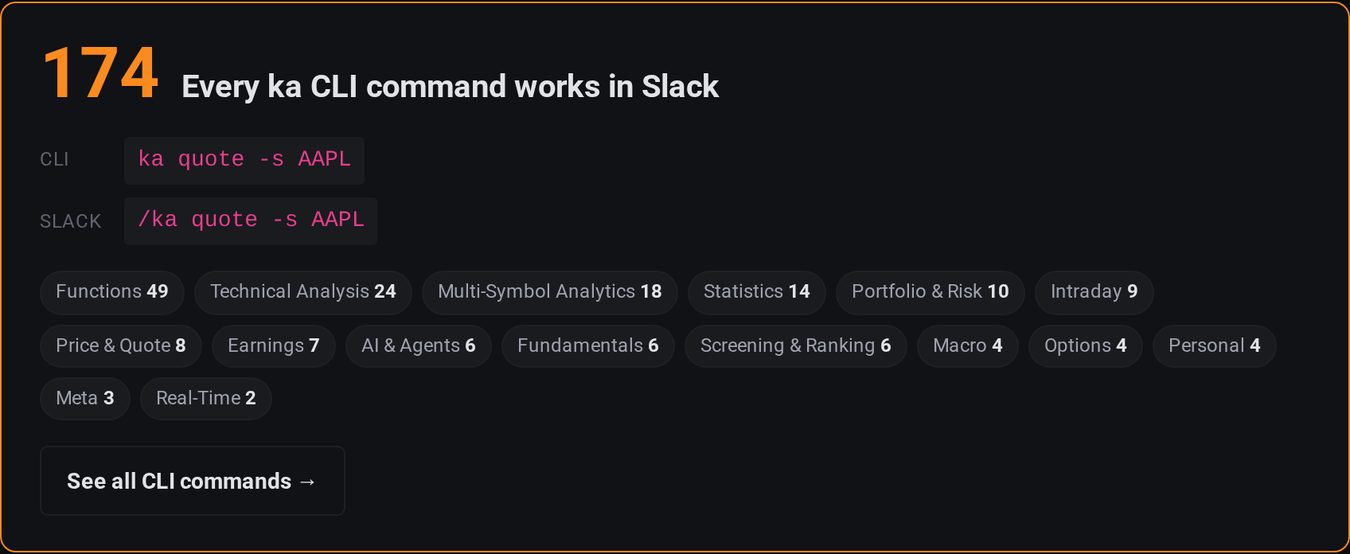
This is not a cut-down bot with a handful of shortcuts. Every KlickAnalytics CLI command works in Slack — more than 170 of them, across technical analysis, fundamentals, earnings, statistics, portfolio and risk, screening, options and macro. If you use the CLI, you already know how to use it: put a slash in front.
| Type in Slack | What comes back |
|---|---|
/ka quote -s AAPL | The latest quote: open, high, low, close, volume and the day's change |
/ka ta -s NVDA | A technical report — moving averages, RSI, MACD, volatility |
/ka earnings -s NVDA | Earnings history with estimates and results |
/ka compare -s AAPL,MSFT,GOOGL,META,AMZN | Five companies side by side |
/ka corr-matrix -s SPY,QQQ,TLT,GLD | A correlation matrix across equities, bonds and gold |
/ka risk -s SPY | Return, volatility, drawdown and value at risk |
/ka chart -s NVDA -type line -tf 1y | A chart, as an image |
Private until you share it
Every answer is visible only to you, even in a busy channel. Check the number first; if it is worth the channel's attention, press Share to channel and the result — chart included — is posted for everyone, credited to you. Your private copy disappears. If it is not worth sharing, Dismiss it.
That one decision keeps channels readable: people look things up freely, and only the answers that matter reach the conversation.
Charts in the conversation
Chart commands return an image, so a price history lands in the thread where the discussion is happening instead of a link to somewhere else.
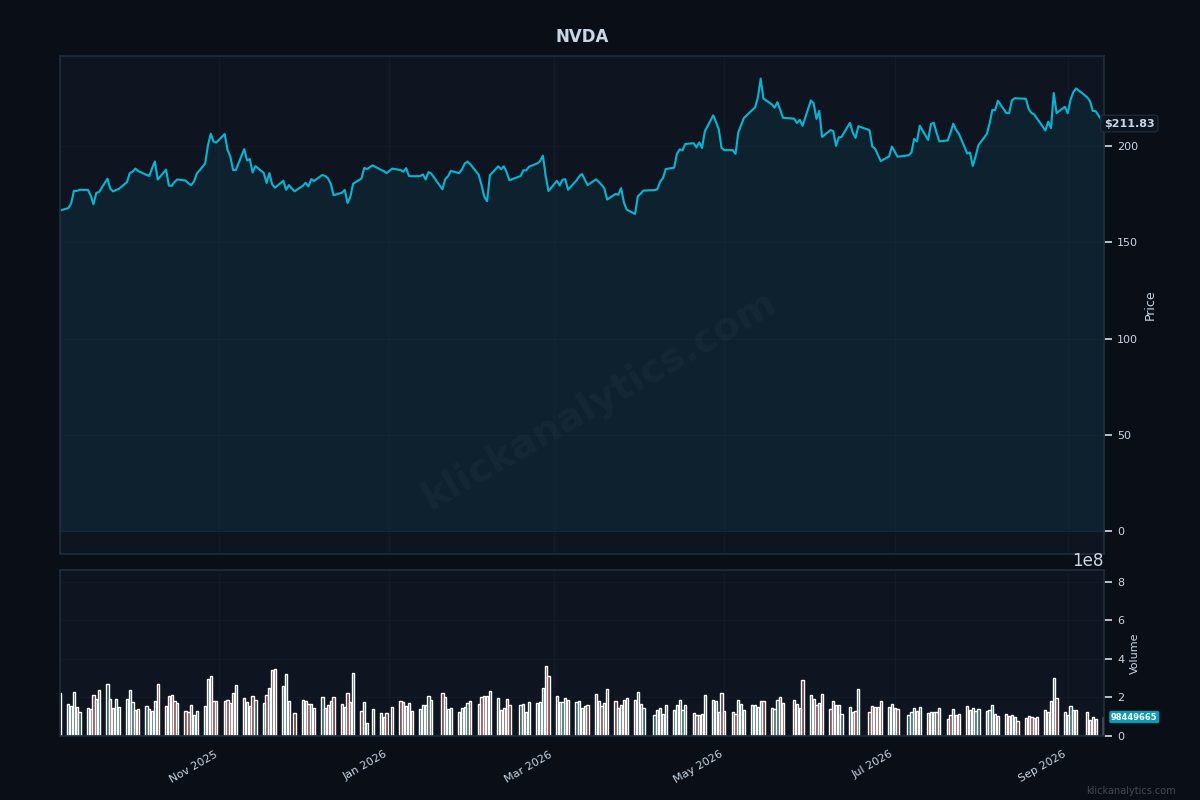
/ka chart -s NVDA -type line -tf 1y posts.Three ways to ask
- Slash command, anywhere.
/kaworks in every channel and every direct message, without inviting anything first. - Message the app. Open KlickAnalytics from the apps section of Slack's sidebar and type commands straight into its Messages tab — no slash needed. Good for exploring on your own.
- Mention it in a channel. Invite the app with
/invite @KlickAnalytics, then@KlickAnalytics ta -s NVDA. The answer is still private to you, with the same Share button.
Learn the commands as you go
More than 170 commands is a lot to remember, so the app teaches them where you use them:
/ka helpopens a command browser: pick a category and each command shows what it does and a real example with a Run button. Clicking Run runs it, privately./ka search earningsfinds commands by what you want to do, when you don't know the name.- Typos are caught.
/ka qoute -s AAPLanswers “Did you mean…” withquoteand a Run button. - Missing arguments are explained.
/ka quoteon its own shows how to usequote, with examples to run. /ka AAPLis a quick quote for any symbol.- The app's Home tab carries the same browser, and a welcome message with starter commands arrives the moment you connect.
Your account, your plan
Each person connects their own KlickAnalytics account with Sign in with Slack, and commands run with that account's plan and limits. Access is checked on every command, so a change to someone's plan or account applies within a minute.
The app only receives what you send to it — /ka commands, messages to the app, and mentions of it. It does not read your channels. You can disconnect at any time from My › Slack on KlickAnalytics, or by typing /ka disconnect.
What is included
Every KlickAnalytics account can use Slack. The free plan includes 25 commands a month, a free trial includes 100, and paid plans are unlimited. Only commands that return a result count: browsing /ka help, searching, and commands that fail are free. The count resets on the first of each month.
Get started
- Open My › Slack on KlickAnalytics.
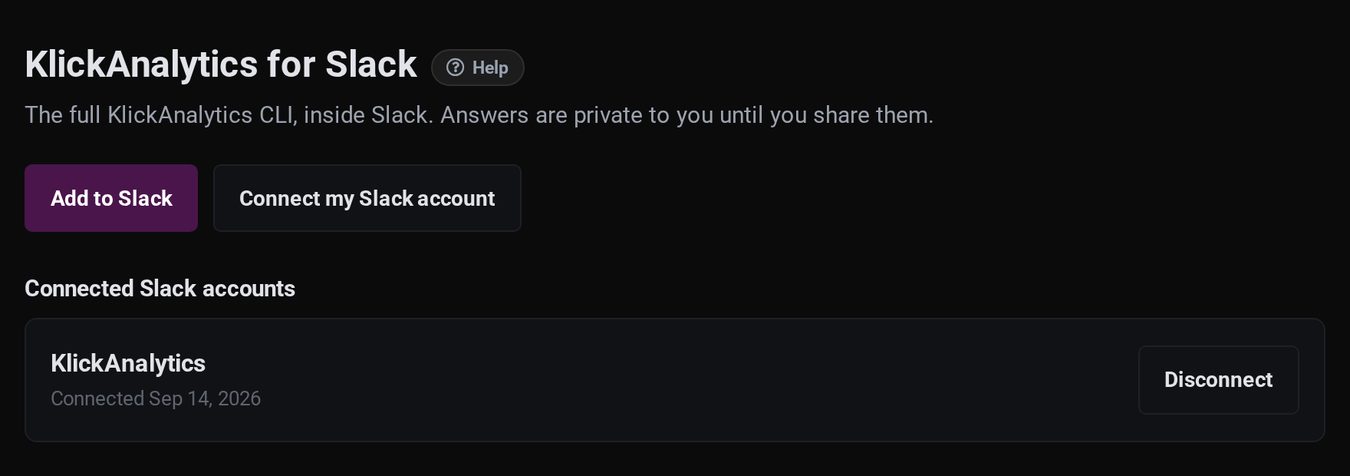
- Click Add to Slack and choose your workspace. If the app is already there, click Connect my Slack account instead.
- In Slack, type
/ka help.